
Using an iPad for school has become more popular than ever, and after using a 13-inch iPad daily for my classes, I understand why. From note-taking and studying to multitasking during lectures, this iPad has completely changed how I stay organized and productive. In this review, I’ll share my real experience using the 13” iPad for school, including what I love, what I don’t, and whether it’s actually worth it for students.
1. First Impressions: Why the 13” Screen Changes Everything
The first thing I noticed was how big the screen actually feels. The 13” display makes a huge difference for schoolwork, especially when using split screen. I can have my textbook or lecture slides open on one side and my notes on the other without feeling cramped. It’s much easier on my eyes compared to smaller tablets or laptops, and studying for long periods feels less tiring.
2. Note-Taking on Another Level (Goodbye Paper, Hello Productivity)
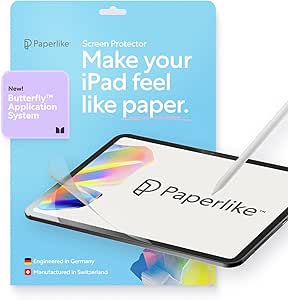
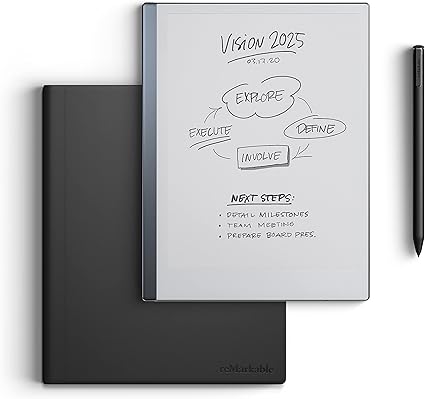
Taking notes on the 13” iPad feels natural and efficient. With the Apple Pencil, handwriting is smooth, and I can easily turn handwritten notes into typed text when needed. I know many people who have a hard time writing with an apple pencil, so they use a Paperlike screen protector! This protector truly does make it feel like you are just writing in a notebook- but with many more features. Similarly, many of my classmates use a reMarkable, which has the same feel as a Paperlike screen protector but is a different device with less features than the iPad (great if you want less distractions!) Drawing diagrams, highlighting important points, and color-coding notes makes everything more organized. Instead of carrying notebooks for every class, everything is stored in one place and easy to search later.
3. One Device That Does Everything for School
This iPad has replaced almost everything I used to carry. I use it for taking notes, watching recorded lectures, researching assignments, reading and annotating PDFs, creating presentations, emailing teachers, and even scanning homework. Having one device that can handle all of this makes school life simpler and more organized.
4. iPad vs Laptop for Students: Why I Choose the iPad
Though in engineering I use both a laptop and iPad due to the amount of software I need, I much prefer my iPad. It is compact, charges faster, its lighter, and in terms of everyday lectures- can do so much more. I find it hard to take notes on a computer when slides are typically posted, with an iPad uploading notes in Goodnotes and writing overtop is easy as pie!
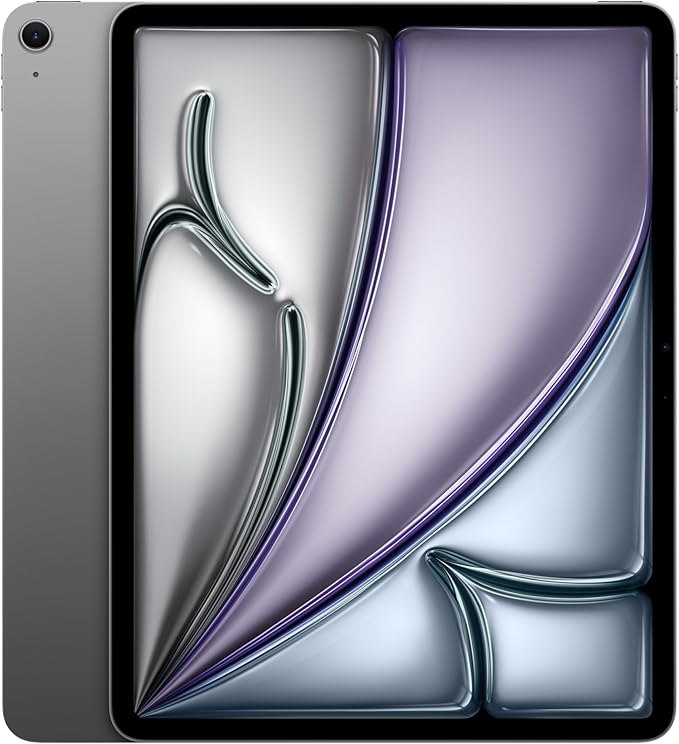
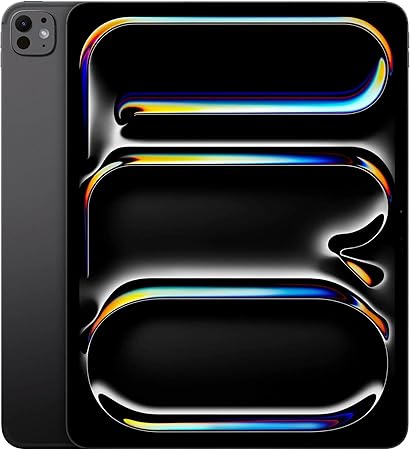
Click here to read about the difference in iPad Pro 13″ and iPad Air 13″
5. Perfect for Multitasking (Especially During Lectures)
Multitasking on the 13” iPad is where it really shines. With Split View and Stage Manager, I can watch a lecture while taking notes or drag information directly from a website into my notes. It is often I need to see 2 different sets of notes at once and the large screen makes multitasking feel smooth instead of cluttered, which helps me stay focused during classes.
6. Battery Life That Actually Survives a School Day
Battery life is one of my favorite things about using the iPad for school. I can go through a full day of classes, note-taking, and studying without worrying about finding an outlet. Charging it once a day is usually enough, which is perfect for long school days.
7. Lightweight, Portable, and Backpack-Friendly
When carrying a 4 pound computer, gym shoes, pencil cases, and lunch in one backpack is an everyday occurrence, having a lightweight iPad is a life saver. Even with the large screen, the iPad is surprisingly easy to carry. It’s lighter than most laptops and fits easily into my backpack. Moving between classes feels easier, and I don’t feel as weighed down anymore.
8. Who the 13” iPad Is Actually For
The 13” iPad is great for students who take a lot of notes, read digital textbooks, or like staying organized digitally. It’s especially useful for college and high school students, creatives, and anyone who prefers writing or drawing their notes. If you like a flexible, all-in-one device, this iPad makes a lot of sense.
9. Things I Don’t Love (Because Nothing Is Perfect)
No device is perfect. The price can be high, especially once you add accessories like the Apple Pencil and keyboard. There’s also a learning curve if you’re used to a traditional laptop. Some apps or software still work better on a computer, which is something to keep in mind- make sure you know what you will use you iPad for before you buy it.
10. Final Verdict: Is the 13” iPad Worth It for School?
Overall, the 13” iPad has been a great investment for my school life. It’s powerful, portable, and incredibly useful for studying and staying organized. While it may not completely replace a laptop for everyone, it’s one of the best tools I’ve used for school, and I’d definitely recommend it to students considering an iPad.
11. (Bonus!) Accessories I Use to Make The Most of My iPad
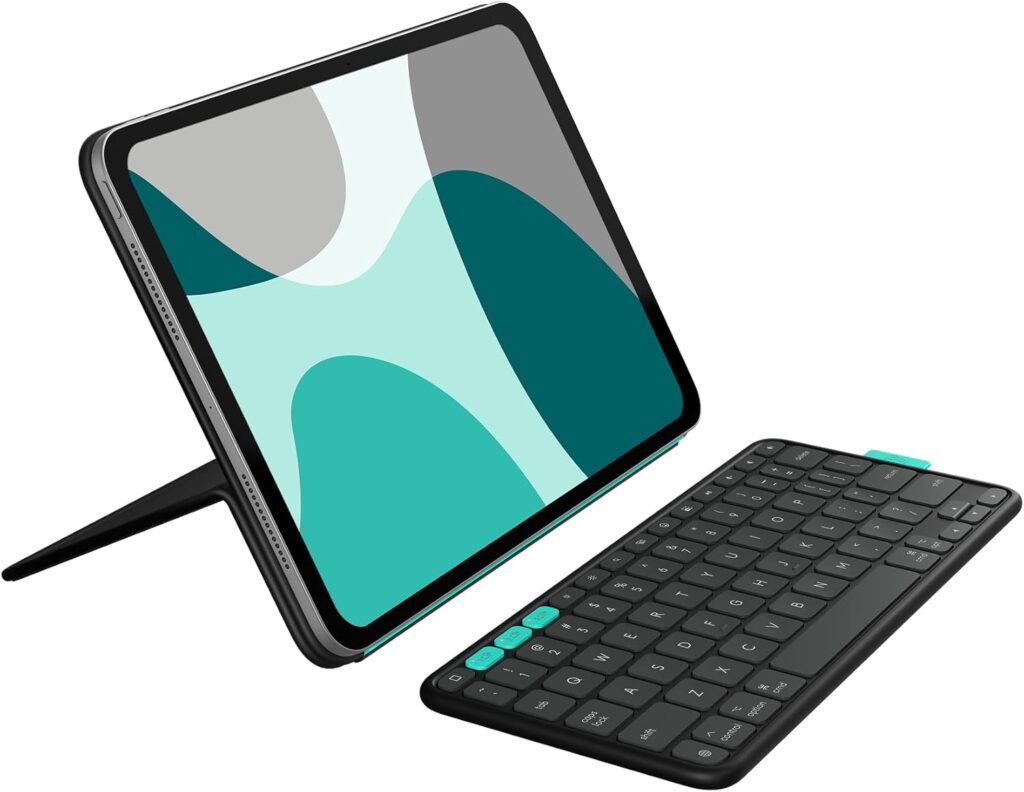
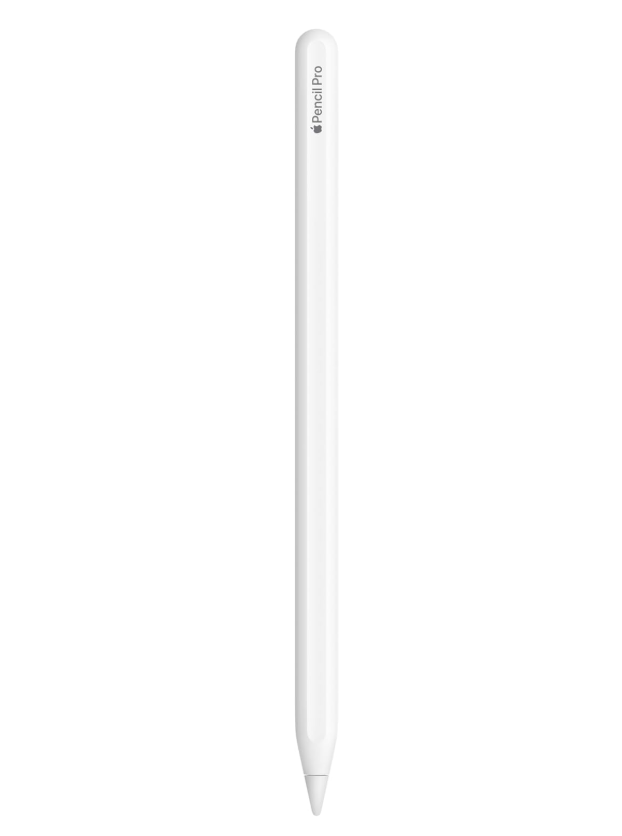
Yes having an iPad is useful, but the accessories I have make it 10x more versatile. I use a keyboard case which makes writing word documents, sending emails, and writing code much easier! I use the Logitech Flipfolio case which is awesome for someone like me who only uses a keyboard sometimes, because the keyboard is detachable! It also connects to 2 additional devices, which for me are my computer and phone. Read my full Flipfolio review here. In addition to my keyboard- like most iPad users I use an apple pencil! This is awesome for notetaking, drawing, and much more!
Check Out Student Productivity Hub’s Latest Posts!
- iPad Air vs iPad Pro : Which iPad Should You Buy?
- Best iPad for School? My 13-Inch iPad Student Review
- Desk Setup on a Budget: A Guide For All Students
- Best Notebooks and Planners for STEM Students to Stay Organized
- GoodNotes vs OneNote vs Notability: A Complete Comparison of the Best Note-Taking Apps for Students
Sign up for our newsletter and a free exam week study template!