
Taking effective notes is a game‑changer in college, especially in technical majors like engineering. Digital note‑taking apps help you organize lectures, annotate PDFs, sketch diagrams, and sync across devices. Today we’ll compare three of the most popular apps — GoodNotes, OneNote, and Notability — to help you choose the one that fits your learning style.
1. GoodNotes — Best for Handwriting & Organization
Overview:
I LOVE Goodnotes. It has a natural handwriting feel, clean interface, and easy organization with folders and notebooks. It’s especially great for STEM subjects that involve diagrams and math.
Since this is my favorite way to take notes, I also have a blog explaining how I organize my notes which you can read here. It’s a great guide for beginners.
Now, goodnotes does come for free- but if you are going to use it everyday and store many notes as I do I HIGHLY recommend the premium version. It is totally worth it.
Key Features:
- Handwriting feels smooth: great with Apple Pencil
- Folders + notebook system keeps classes organized
- PDF annotation & shape recognition
- Templates for engineering problems & planners
Best For:
- Handwritten notes
- Diagrams, formulas, graphs
- Students who want structure
2. OneNote — its FREE!
Overview:
Microsoft OneNote is powerful, versatile, and — best of all — free. If you use a Windows laptop or Surface device, OneNote integrates great with the Microsoft ecosystem and works on phones and tablets too.
I find it is sometimes tricky to send notes between my devices, but if you prefer typed notes this is the way to go.
Key Features:
- Unlimited notebooks and sections
- Freeform layout — type anywhere on the page
- Ink + text + audio + images in one place
- Syncs with OneDrive
Best For:
- Cross‑platform organization
- Students who use Windows or Surface
- Combining typed + handwritten content
3. Notability — Best for Lecture Notes + Audio
Overview:
I haven’t used this note taking platform as much as the others but I can say that Notability shines when you need audio recording paired with notes. You can record lectures and tap any part of your written notes to hear what was said at that moment — a huge advantage during review.
Key Features:
- Audio sync with handwriting
- Multi‑note & split‑screen view
- PDF markup + annotation
- Great for review sessions
Best For:
- Students who record lectures
- Review and revision sessions
- Annotating slides or handouts
Like this? Check out my iPad comparison review here, or my iPad review for students here.
Head‑to‑Head Comparison
Pick GoodNotes if:
You want structured notebooks, great diagrams, ORGANIZED NOTEBOOKS, and smooth handwriting.
Pick OneNote if:
You want free, powerful, cross‑platform organization.
Pick Notability if:
You record lectures and want audio‑linked notes.
Personal Tip: Many students use OneNote for typed organization and GoodNotes or Notability for handwritten, iPad notes. You don’t have to pick just one!
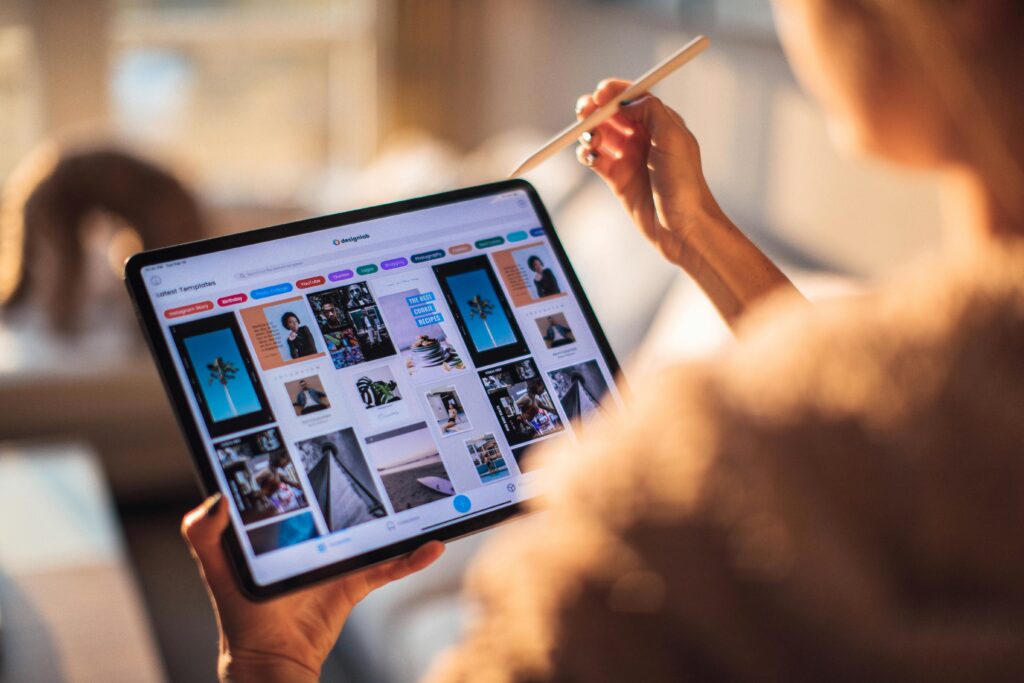
iPad Air vs iPad Pro : Which iPad Should You Buy?
Choosing between the iPad Air vs iPad Pro in 2025 isn’t as simple as picking…
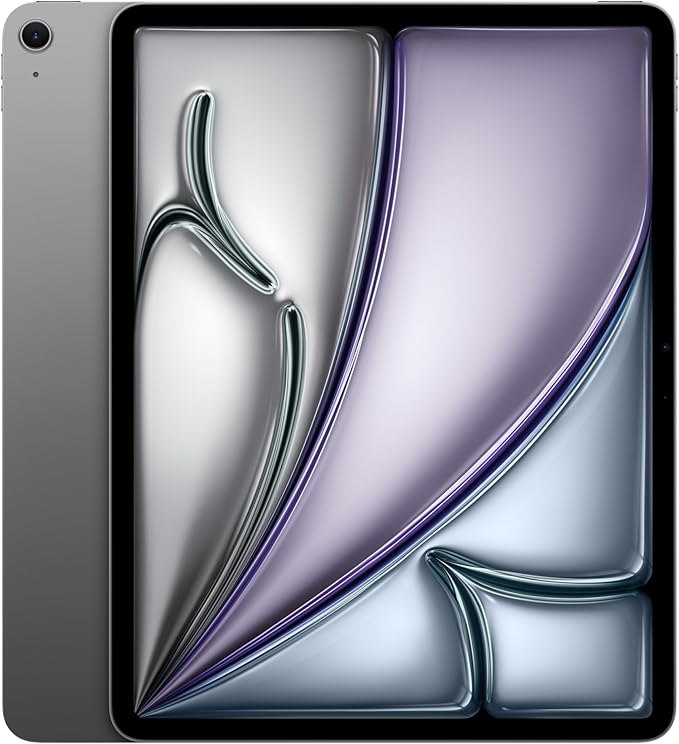
Best iPad for School? My 13-Inch iPad Student Review

Desk Setup on a Budget: A Guide For All Students
Creating a productive study space doesn’t have to cost a fortune. With a little planning,…
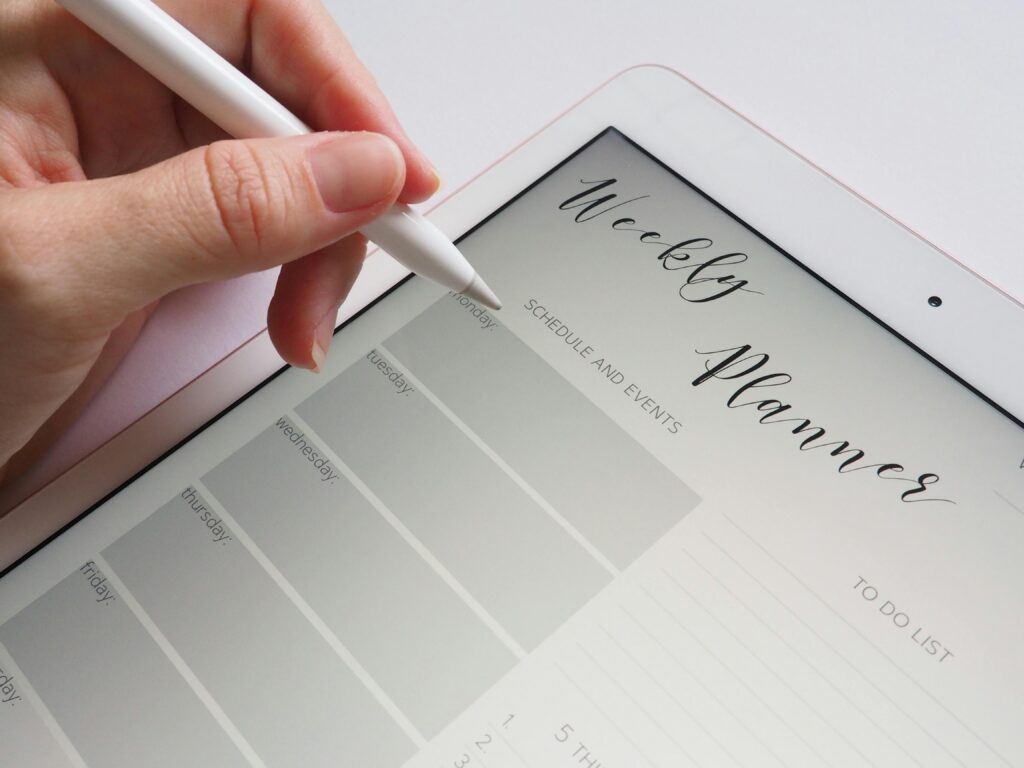
Best Notebooks and Planners for STEM Students to Stay Organized
Staying organized is half the battle in university- especially STEM courses. The right notebook and…
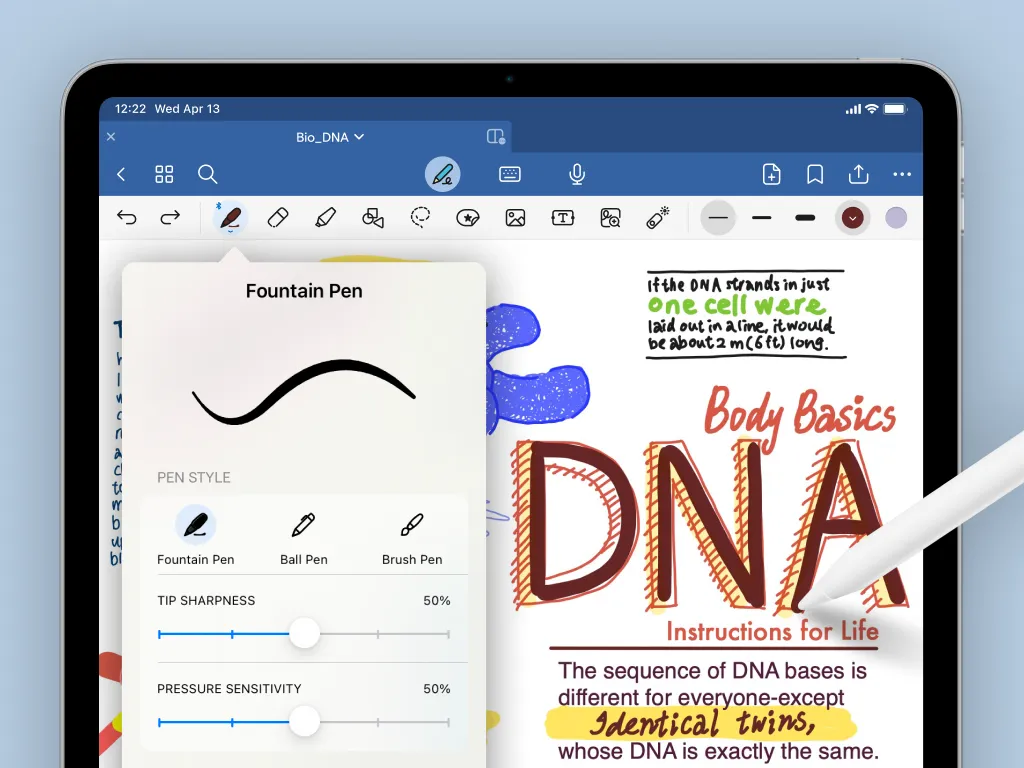
GoodNotes vs OneNote vs Notability: A Complete Comparison of the Best Note-Taking Apps for Students
Taking effective notes is a game‑changer in college, especially in technical majors like engineering. Digital…

5 Study Tips That Actually Work for Engineering Students
5 Study Tips That Actually Work Engineering school can be tough, and studying efficiently is…
Sign up to receive a free Exam Week Study Outline!
Pingback: Best Notebooks & Planners for STEM Students: Stay Organized and Study Smarter - studentproductivityhub.com